Best Free Crochet Pattern Generators 2026 — Honest Comparison
Last tested: May 2026. We used each tool ourselves on the same test inputs — a photo of a tabby cat for the photo-to-pattern flow, and a simple 40×40 baby blanket spec for the chart designer flow. No affiliate links. We make one of these tools, so read the methodology section if that bothers you — we put the comparison table at the top so you can judge for yourself.
Who this is for
You want to crochet from a photo, or you want to design a chart for a blanket, scarf, or filet doily, and you don't want to pay for software you'll use twice a year. There are dozens of "crochet generators" online — most are dead, behind a paywall, or only do one tiny thing. This post is the short list of the 5 that are actually usable in 2026.
If you want to skip ahead: we recommend CrochetPop for the photo→pattern path (free, no signup, finishes in under 30 seconds), Stitch Fiddle if you want a polished chart editor and don't mind a one-time $5, and Cromu if you crochet mostly on a phone with spotty internet. Skip Pixa unless you already use it for image editing, and skip Yarnspirations as a "generator" — it's a yarn-brand pattern library, not a tool.
Comparison at a glance
Methodology rule: green means "works well and is free"; yellow means "works but has a real catch"; red means "missing or paid". We tested each on desktop Chrome 124 and iOS Safari 17 in May 2026.
| Feature | CrochetPop | Stitch Fiddle | Cromu | Pixa | Yarnspirations |
|---|---|---|---|---|---|
| Free to use core features | Yes | Limited (premium $5 unlock) | Yes | Limited (paid plan) | Yes (patterns only) |
| No signup required | Yes | No (account for save/share) | App install required | Account required | Account for downloads |
| Photo → crochet pattern | Yes — under 30s | Yes (manual conversion) | Not yet | Yes (generic AI) | No |
| Enforces crochet domain rules (gauge, RTL row 1, DC vs SC cell shape) | Yes | Partial (charts ignore gauge ratio) | Yes | No (generic image grid) | N/A |
| Languages | EN + ZH | 9 | 10 | EN | EN + FR |
| Mobile-ready | Yes (web, no install) | Yes (web) | Yes (native iOS/Android) | Yes (web) | Yes (web) |
| Pattern library size | ~50 templates + presets | User-contributed | Generator-only | Generator-only | 10,000+ free PDFs |
| Interactive Live Row Tracker | Yes | No | Has stitch counter | No | No |
| Output format | Live regeneratable chart + row-by-row text | Frozen PNG / PDF | Live chart + counter | Frozen PNG / PDF | Frozen PDF |
| Knitting support | No (crochet only) | Yes | No | Yes | Yes |
Honest note on where we lose: CrochetPop has no YouTube channel (Bella Coco and Mikey from The Crochet Crowd have 1.9M and 1.27M subscribers respectively — we have zero), no knitting support, and a smaller curated-pattern library than Yarnspirations. If you want video tutorials or knitting, we are not the answer. The honest pitch is the photo-to-pattern flow plus the Live Row Tracker.
The 5 tools, in depth
1. CrochetPop — best free photo-to-pattern flow
Best for: anyone with a phone photo (especially of a pet) who wants a crochet chart in seconds and an interactive row tracker to crochet by.
We built this. It's a browser-only tool — no app install, no signup, no email gate. Upload a photo, the tool auto-crops, downsamples to your chosen blanket dimensions, and produces a real C2C, SC pixel, granny pixel, or filet chart with row-by-row written instructions. Generation is deterministic TypeScript running in your browser (around 10ms), so it works offline once the page is loaded.
Two things make CrochetPop hard to copy:
- Crochet domain rules are baked in. SC cells are square (1:1 gauge), DC cells are 1:1.5, filet blocks are square mesh units, row 1 reads right-to-left, turning chains match the stitch height. Generic image-to-grid tools (Pixa, Stitchboard) ignore this — their charts look fine on screen but produce stretched fabric.
- The output is regeneratable, not a frozen PNG. Change the palette, swap the construction (C2C ↔ SC pixel ↔ granny pixel), resize the grid — the chart, the row text, the yardage estimate, and the Live Row Tracker all update together.
Where to start:
- Photo → Pattern (Design Studio) — the all-purpose entry. Upload anything.
- Pet Portrait flow — purpose-built for pet photos, with AI breed matching and coat-color suggestions.
- Blanket Designer — start from a finished-size spec instead of an image.
- Browse all free patterns — granny squares, amigurumi, filet, motifs.
Honest weakness: no knitting. No on-site video tutorials. The pattern library is smaller than yarn-brand sites. Chinese-language users get full feature parity (UI, blog, charts); other non-English speakers do not yet.
2. Stitch Fiddle — incumbent chart editor, worth $5 if you stay
Best for: traditional chart-based crocheters and knitters who want a polished editor and don't mind paying once.
Stitch Fiddle was founded in March 2015 and has 11 years of SEO compound interest — search "crochet chart" and you'll find it on page one for almost every variant. It's a freemium chart editor: draw a grid, pick colors, export a chart. The premium unlock is a one-time $5 (per their about page), which removes the chart-size cap and unlocks PDF export.
What it does well: the editor UI is mature, supports both knit and crochet symbols, and has a Pinterest tag dominance for "Stitch Fiddle crochet" that gives you years of community charts to learn from. The PDF export looks professional. Many magazine designers use it.
What it doesn't do: photo-to-pattern is manual — you import an image, then click cells. It treats crochet as a generic chart medium, so gauge-correct stitch proportions (SC square, DC 1.5×) aren't visually enforced. Output is a frozen PNG/PDF; if you want to change a color you re-export. No row tracker.
Verdict: if you sell patterns or run a knitting-and-crochet shared workflow, the $5 is fair. For one-off photo blankets, the manual cell-by-cell workflow is slower than a tool that downsamples for you.
3. Cromu — mobile-first, offline, gamified
Best for: mobile-first crocheters who want offline support, live stitch counting, and a polished phone app.
Cromu launched around 2024 from The Cub Labs (Korea). It's a native iOS and Android app — not a website — supporting six creative tools: pixel art generator, pattern designer, stitch chart, color replacer, stitch calculator, yarn calculator. It ships in 10 languages and gamifies the experience with 55 achievements.
What it does well: offline support is the headline. Once installed you can crochet on a plane, in a yarn shop with bad Wi-Fi, in a park. The stitch counter and color replacer feel mobile-native — neither feels like a desktop tool squeezed into a phone. The language list is the widest in this comparison.
What it doesn't do (yet): no AI photo-to-pattern flow. You build charts manually. You also have to install the app — there is no web version — which is a real barrier if you just want to try a tool once. No Chinese support (despite Korean origin).
Verdict: Cromu is the closest competitor to CrochetPop on chart design, and ahead of us on mobile polish. If you crochet on the go and don't need photo conversion, install Cromu. If photo→pattern is the job, come back to CrochetPop.
4. Pixa — generic AI image editor with a crochet sub-feature
Best for: users who already pay for Pixa for general image work and want the crochet grid as a side feature.
Pixa's crochet graph generator is one sub-feature inside a general-purpose AI image editor. It does what the name says: upload an image, get a colored grid. The UI is polished because the parent product is well-funded.
The problem is the crochet part is shallow. Pixa doesn't enforce crochet domain rules — gauge ratio (SC square, DC tall) is ignored, so the chart on screen doesn't match what the finished fabric will look like. There's no row-by-row written pattern, no turning chains, no validated stitch counts. It's a colored pixel grid you'd have to translate to crochet yourself.
Pixa is part of a paid AI image-editor product — the crochet-graph feature sits behind that broader product's pricing model rather than having a standalone price. If you don't already use Pixa for other image work, paying for the whole product just for the crochet feature is hard to justify.
Verdict: skip unless you already use Pixa. For free photo-to-crochet, use CrochetPop or take the slower manual path with Stitch Fiddle.
5. Yarnspirations — 10,000+ free patterns, but it's not a generator
Best for: users committed to a major yarn brand (Bernat, Caron, Red Heart, Patons) who want curated finished patterns rather than a custom tool.
Yarnspirations is the Spinrite-owned hub for Bernat, Caron, Red Heart, Patons, Lily Sugar'n Cream, and more. It hosts over 10,000 free downloadable PDF patterns plus a YouTube channel with 247K subscribers. The patterns are professionally graded, photographed, and bundled with their own yarn for purchase.
It is genuinely the best library if you want a tested pattern in worsted-weight acrylic for under $30 in yarn. Search by category, filter by skill level, download a PDF. The patterns are vetted by professional designers and have been working for decades.
But it is not a generator. You cannot upload a photo. You cannot make a custom-size blanket. You cannot pick your own colors — you pick from the colorways the designer chose. If your goal is "convert my pet's photo into a crochet blanket I can make myself," Yarnspirations is the wrong tool category.
Verdict: bookmark for browsing on a slow afternoon. Use Yarnspirations alongside a generator, not instead of one.
Where each tool wins, one line each
- Photo → crochet blanket in under a minute: CrochetPop. Open /design and upload.
- Pet photo → blanket with breed-aware color suggestions: CrochetPop's Pet Portrait flow.
- Polished chart editor for designers who sell patterns: Stitch Fiddle ($5 one-time).
- Mobile-first, offline, 10 languages: Cromu.
- 10,000+ professionally-graded free PDFs, in a major-brand yarn: Yarnspirations.
- I already pay for Pixa and want a side-feature grid: Pixa.
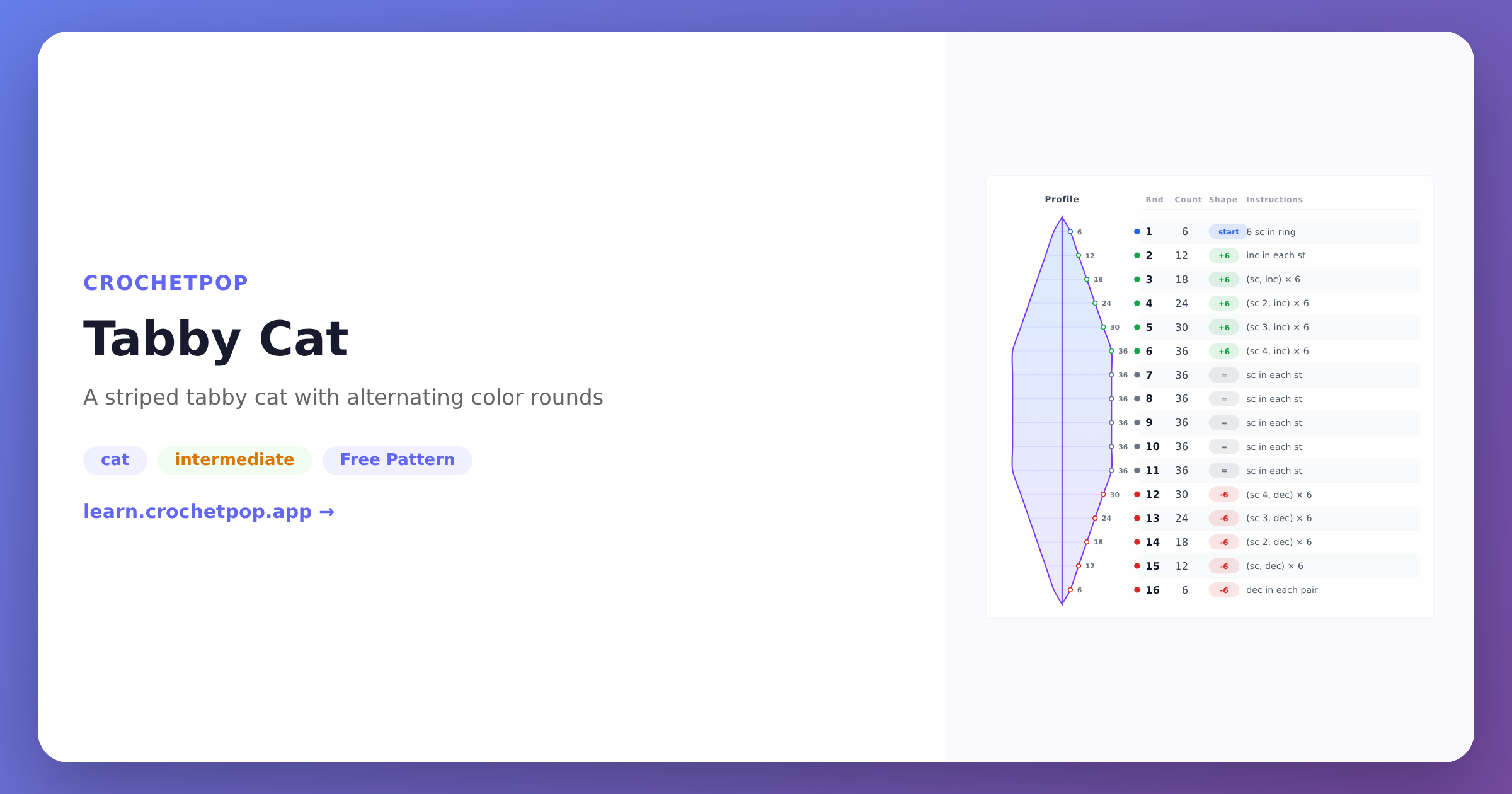
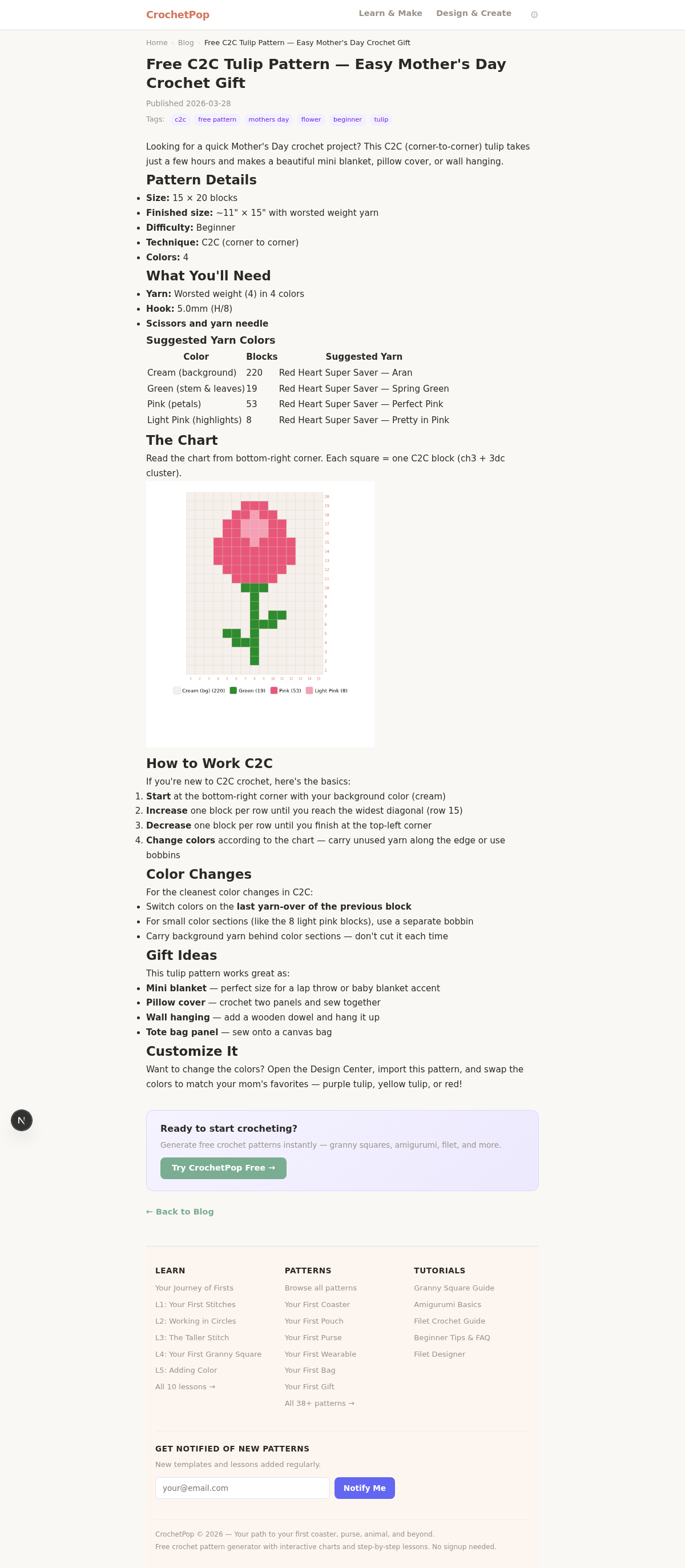
- Live row tracker while you crochet: CrochetPop. See it in action on the baby-blanket-sized C2C tulip pattern.
No signup · works in browser · photo-to-pattern in under 30s
Methodology
We tested each tool on the same two inputs in May 2026:
- Photo-to-pattern input: a 1080×1080 phone photo of a tabby cat. We measured time from upload to a readable chart, color accuracy of the downsampled palette, and whether the chart obeyed crochet gauge ratios.
- Chart designer input: a 40×40 cell baby blanket in 4 colors, drawn by hand. We measured how many clicks it took to draw, save, and export.
Tested on desktop Chrome 124 (macOS), iOS Safari 17 (iPhone 14), and Android Chrome 124 (Pixel 7). No paid tools were unlocked — we used only the free tier of each service. We do make one of the tools in this comparison (CrochetPop), which is why the comparison table is at the top: judge for yourself before the prose.
FAQ
Which tool is best for converting a photo into a crochet pattern?
For free and no signup, CrochetPop's Design Studio. It auto-crops, downsamples to your chosen blanket size, picks a crochet-friendly palette, and outputs a real C2C or pixel chart in under 30 seconds with row-by-row written instructions. Stitch Fiddle can do it with manual cell-by-cell painting after import; Pixa can do it but doesn't respect crochet gauge.
Is Stitch Fiddle worth the $5?
Yes if you sell patterns or maintain shared crochet-and-knitting workflows — the chart editor is mature and the PDF export is clean. No if you only want one custom photo blanket — the manual cell painting is slower than a tool that downsamples for you.
Can I crochet from any photo for free?
Yes — CrochetPop's photo-to-pattern flow is free, no signup, no email gate. Upload a photo on the Design Studio, pick blanket dimensions (suggested presets for baby, throw, full), pick a construction (C2C, SC pixel, granny pixel, or filet), and the chart plus row text is regenerated each time you change a setting. Export the chart as PNG or print the full pattern document.
Which tool works best on a phone?
Cromu wins on mobile polish — it's a native iOS/Android app with offline support and 10 languages. CrochetPop runs in mobile Safari and Chrome without installation, which is faster to try but doesn't have offline support beyond the current page session. Stitch Fiddle's mobile web works but the editor is sized for desktop.
What about Stitchboard, Stitchy, Tinnkle, or other older generators?
We checked them in May 2026. Stitchboard's interface dates to roughly 2008 and is functional but feels abandoned. Stitchy and Tinnkle are similar — they work but haven't kept up with mobile or modern photo formats. None enforce crochet domain rules. We left them out of the main comparison because none of the five we chose are abandoned, but if you've used them and they work for you, no judgment — they were built before AI photo flows existed.
Why don't you recommend Yarnspirations as a generator?
Because it isn't one. Yarnspirations is a yarn-brand-owned library of finished, professionally-graded patterns. You can't customize the size, swap a palette, or upload a photo — you download what the designer made. It belongs alongside a generator (great resource for tested patterns), not instead of one.
Can any of these tools generate written row-by-row instructions, not just a chart?
CrochetPop does — the row text is regenerated each time you change the chart, with turning chains, color changes, and stitch counts validated. Stitch Fiddle exports a chart only; you read the row text from the chart yourself. Cromu has a stitch counter that walks you through but doesn't pre-export written instructions. Pixa exports chart-only.
I'm in mainland China — which works best for me?
CrochetPop. The UI, blog, and chart text are fully bilingual EN + ZH, hosted on a fast CDN reachable from China. Cromu does not support Chinese. Stitch Fiddle and Yarnspirations are English-first.
Sources cited
- Stitch Fiddle — About (founding date, freemium pricing)
- Cromu — homepage
- Cromu — Creative Tools feature list
- Pixa — Crochet Graph Generator
- Yarnspirations — homepage (10,000+ free pattern claim)
- Bella Coco — YouTube (1.9M subscribers)
- The Crochet Crowd — Mikey (1.27M YouTube subscribers)
- Etsy — custom pet portrait blanket market (price reference)
Ready to try the photo-to-pattern flow? Open CrochetPop's Design Studio — no signup, no email. Or jump straight to the Pet Portrait flow if you have a pet photo on your phone.